How to Adjust TDP on the Original Lenovo Legion Go
Find the original Legion Go's custom power controls and compare settings without confusing a power limit with a measured result.
Published September 22, 2026Updated September 22, 2026
Category
Performance
Difficulty
Beginner
Reading time
3 min
Published
September 22, 2026
HandheldAtlas guide
Complete walkthrough
This guide is for the original Windows-based Lenovo Legion Go, with the Z1 Extreme model linked below. Do not transfer its menu paths or power range to Legion Go S, Legion Go 2 or a SteamOS installation.
Find the power controls
Legion Go Life's October 31, 2023 walkthrough documents two routes in the original Legion Space interface:
Open Legion Space with Legion L, then select Settings and Performance. Adjust the power setting or create a custom profile.
During a game, use Legion R to open the quick menu. In Performance, select Custom under Thermal Mode (TDP), then adjust the slider.
That walkthrough shows a 5–30 W range. These are historical interface instructions, not confirmation that every current firmware exposes identical controls or sustains the selected wattage. If the labels differ, use your installed Legion Space interface and the support resources for your exact model; do not install old firmware just to match this guide.
Make the comparison useful
The following is an Atlas testing checklist, not a measured preset:
1
Note your existing profile so you can restore it.
2Choose one repeatable section of a game.
3Keep resolution, graphics settings, upscaling, frame generation and frame cap unchanged.
4Keep the same power source: compare battery runs with battery runs, not with plugged-in sessions.
5Change one power setting, then repeat the same section.
6Record the selected limit separately from observed power and performance. A slider value alone is not proof of sustained power draw.
7Restore the original profile if the change does not meet your needs.
Avoid presenting a single overlay reading as average FPS. A reproducible capture is more useful than a screenshot taken at a particularly easy moment.
What this guide does not prescribe
There is no universal best wattage here. We have not measured your game, firmware or unit, so this article does not promise a particular FPS result or battery runtime. For a ready-to-use performance recommendation, look for evidence matching the exact device and game settings.
Sources and scope
Source checked September 22, 2026; original procedure published October 31, 2023. This is a scoped reference to the original interface, not a newly conducted hardware test.
Legion Go Life — How To Change The TDP On The Legion Go
https://legiongolife.com/how-to-change-the-tdp-on-the-legion-go/
Lenovo — original Legion Go product page and official cover illustration
https://www.lenovo.com/us/en/p/handheld/legion-go/len106g0001
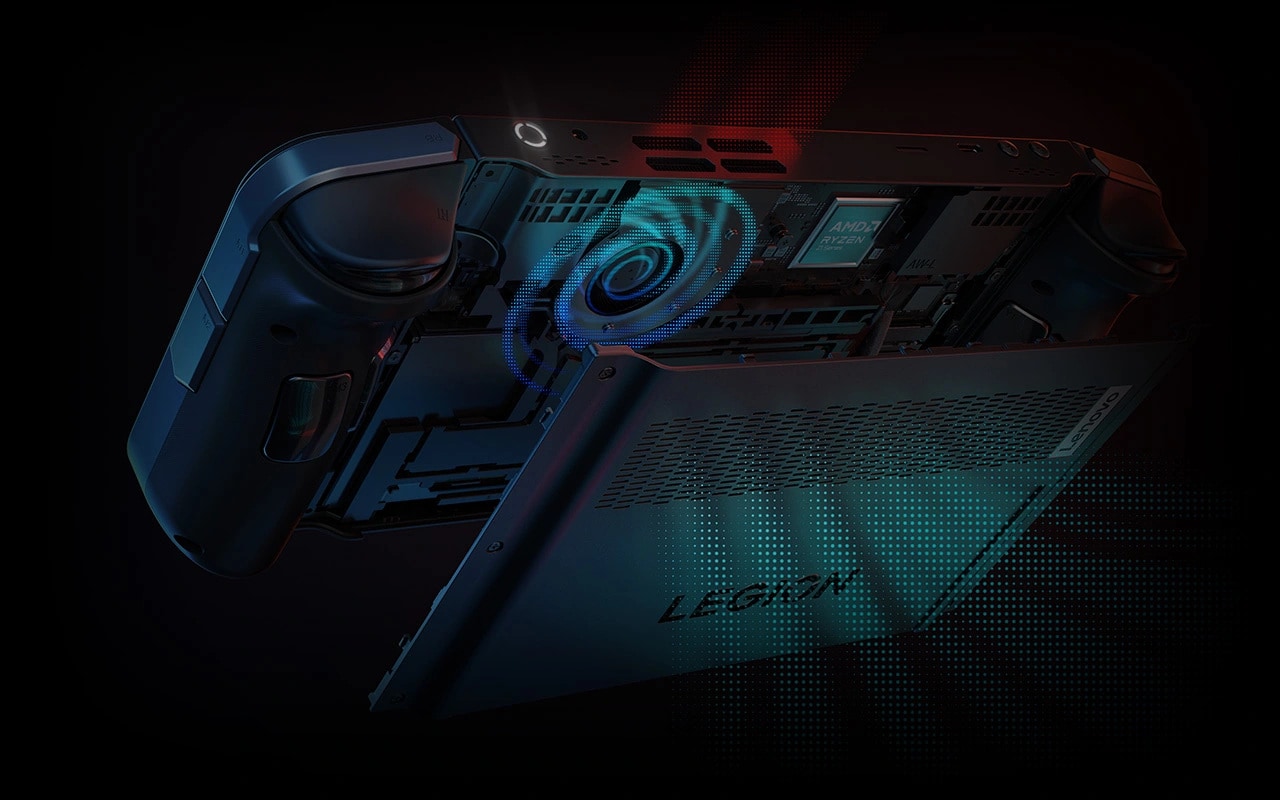
The cover illustrates the original handheld's cooling hardware; it is not a benchmark screenshot.