MSI Claw 8 EX AI+: How to Update MSI Center M 3.0 Safely
Install MSI Center M 3.0.2608.1201 on the correct Claw model, verify power-plan behavior, and avoid mixing phased-release packages.
Published October 1, 2026Updated October 1, 2026
Category
Setup
Difficulty
Beginner
Reading time
4 min
Published
October 1, 2026
HandheldAtlas guide
Complete walkthrough
MSI Center M 3.0.2608.1201 is available through the in-app updater for MSI Claw 8 EX AI+. MSI is releasing this version in phases, so the exact model matters: do not use a package intended for another Claw.
This guide covers the Claw 8 EX AI+ only. As of October 1, 2026, MSI lists Claw A8 BZ2EM, Claw 8 AI+ A2VM, Claw 8 AI+ A2VM Polar Tempest Edition, and Claw 7 AI+ A2VM for later rollout phases.
Before updating
1Confirm the device is MSI Claw 8 EX AI+.
2Connect the charger and save any open work.
3Use a stable network connection.
4Open MSI Center M and use its in-app update prompt.
5
Do not close MSI Center M or interrupt the update.
6Restart Windows after installation, even if the app appears ready immediately.
Do not download or force-install a package labeled for another model. MSI says currently supported older MSI Center M versions can remain installed on devices still waiting for their rollout phase.
What version 3.0.2608.1201 fixes
On Claw 8 EX AI+, this release addresses several practical handheld problems:
Games installed on an SD card may now appear automatically in the Library.
Manual Mode should no longer show incorrect default limits of PL1 17 W and PL2 37 W.
Game icons should display correctly in the Library.
Repeated MSI Center M update prompts are addressed.
Quick Settings should show all 12 items after a resolution change.
Previously locked Quick Settings options should be adjustable.
Entering Xbox Mode should switch the controls to Gamepad Mode correctly.
Joystick navigation should continue working after opening Quick Settings.
The displayed and applied power plan should match the selected mode.
New controls to check
The update adds an Intel FPS Limiter for Claw 8 EX AI+, a Hold action for keyboard assignments, and a selectable Windows Power Plan inside Manual Mode.
MSI documents the revised mappings as:
Endurance Mode: Efficiency.
AI Engine: Balanced.
Manual Mode: Efficiency, Balanced, or Performance.
Manual Mode default: Performance.
These labels are operating choices, not benchmark results. A selected 30 or 60 FPS limit is a cap, not proof that the game renders at that average.
Full fan control needs a BIOS check
MSI recommends BIOS E1T91IMS.10A or later for full fan control in Manual Mode on Claw 8 EX AI+.
Check the installed BIOS version before assuming the fan controls are broken. Use the official Claw 8 EX AI+ support page for the correct BIOS and follow MSI's update instructions. Do not install firmware from another Claw model.
Verify the update
After restarting:
1Open MSI Center M and confirm version 3.0.2608.1201.
2Check that the Library detects a known SD-card game.
3Open Quick Settings after changing display resolution and confirm that all expected items remain visible.
4Enter Xbox Mode and verify that the controls switch to Gamepad Mode.
5Move between Endurance, AI Engine, and Manual modes and confirm the displayed Windows power plan.
6In Manual Mode, verify that the selected plan persists after closing and reopening MSI Center M.
7If full fan controls are missing, compare the installed BIOS with E1T91IMS.10A before troubleshooting further.
Do not turn the limiter into a benchmark
The Intel FPS Limiter can make frame delivery and power use easier to manage, but the configured number is not a measured average. A useful performance result still needs the exact device, output and render resolution, power mode or documented TDP, complete graphics settings, upscaling and frame-generation state, and a repeatable measured run.
This guide makes no claim about FPS gains, battery life, temperatures, or a best TDP. MSI did not publish comparable game measurements with the software release.
Sources
MSI — “[Update] MSI Center M 3.0.2608.1201 Released,” published August 24, 2026; checked October 1, 2026:
https://www.msi.com/Handheld/Recommended-For-Claw/latest-updates/Update-MSI-Center-M-3.0.2608.1201-Released
MSI — Claw 8 EX AI+ product and support page; checked October 1, 2026:
https://www.msi.com/Handheld/Claw-8-EX-AI-Plus-CG3EMX
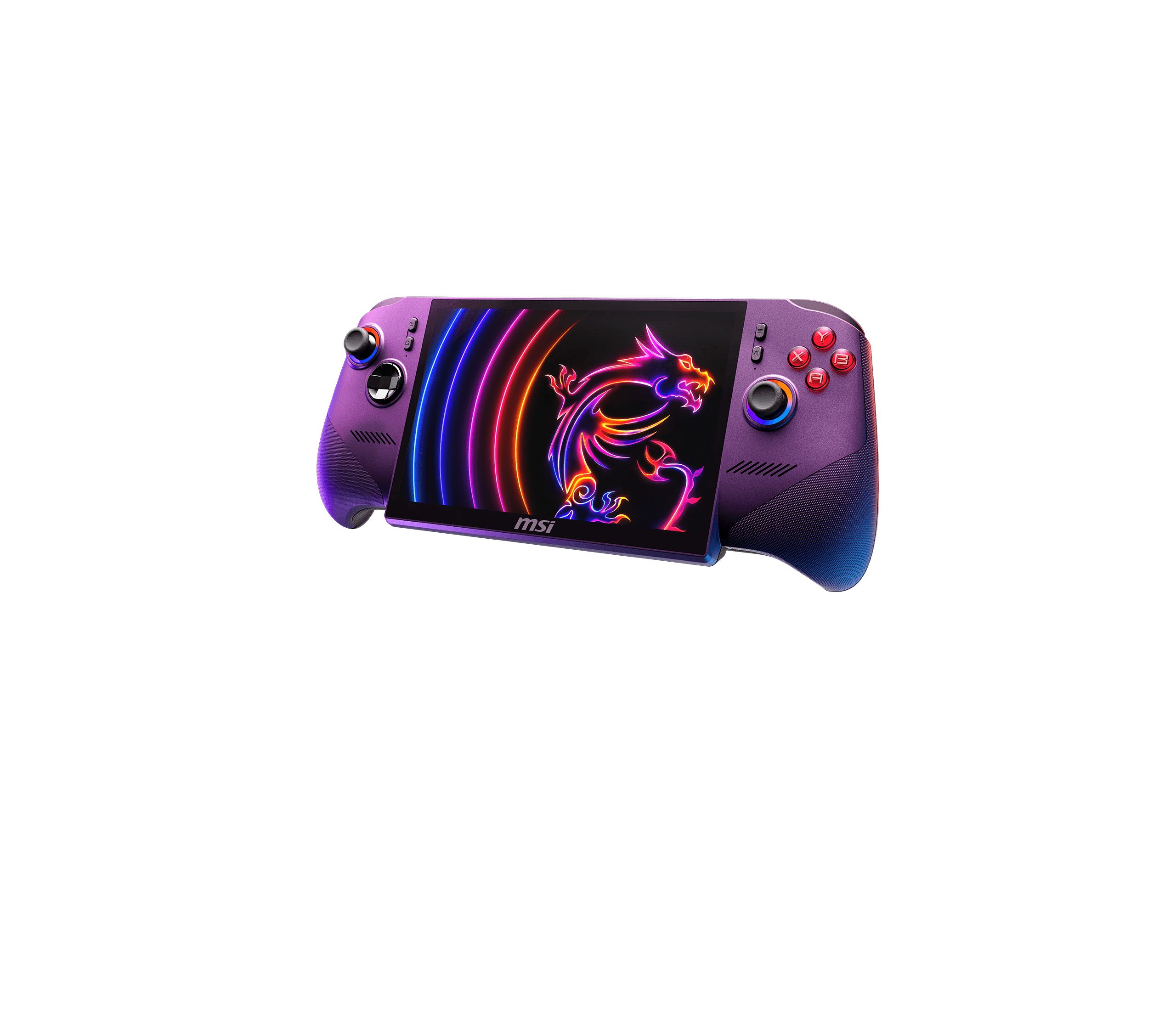
Cover: official MSI Claw 8 EX AI+ product image. It identifies the exact handheld and is not performance evidence.