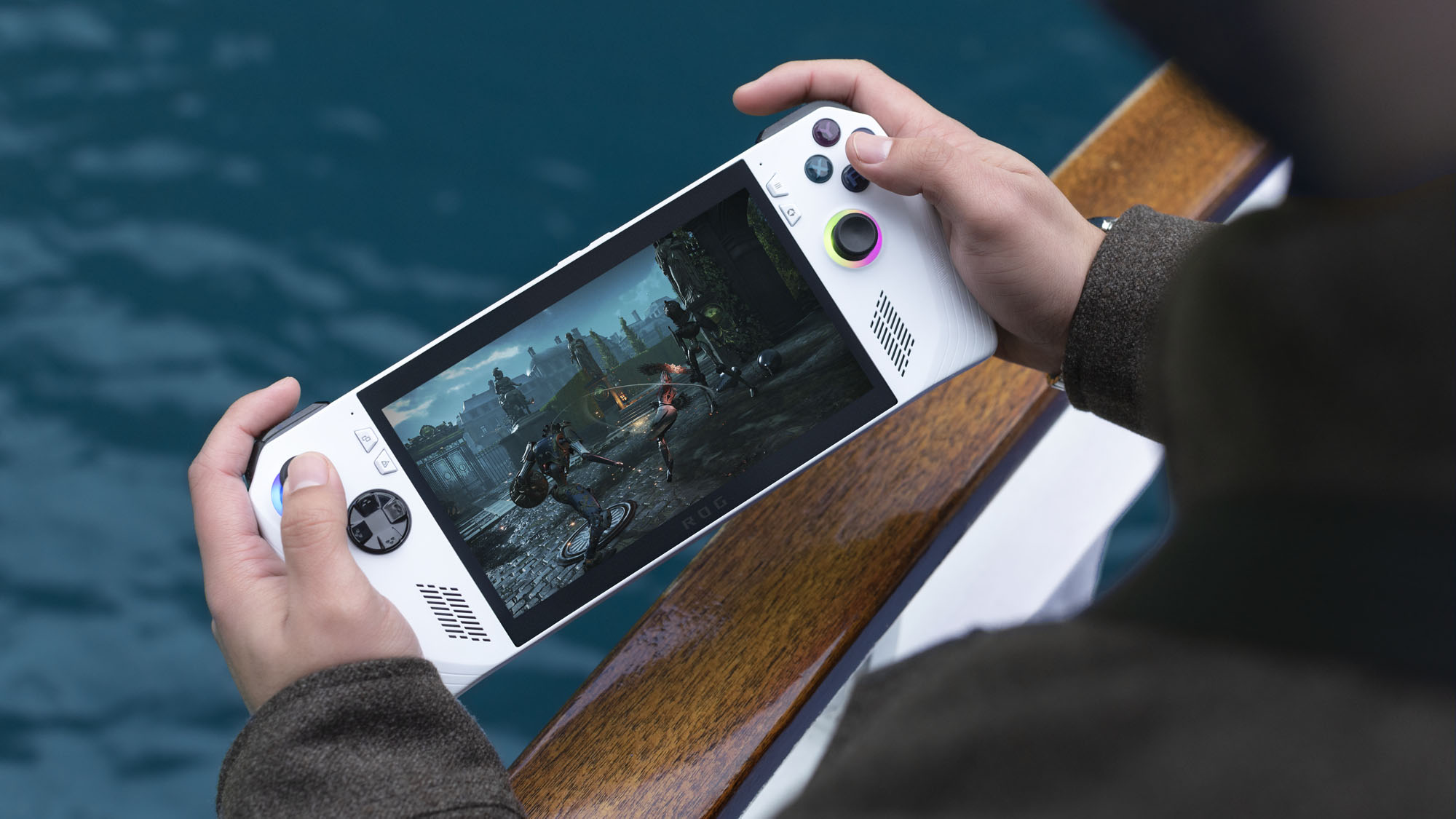
Choose the right ROG Ally upscaling or sharpening tool, avoid overlapping features, and document settings clearly for repeatable performance tests.
Published September 30, 2026Updated September 30, 2026
Category
Performance
Difficulty
Beginner
Reading time
5 min
Published
September 30, 2026
HandheldAtlas guide
Complete walkthrough
FSR, RSR, and RIS sound similar, but they solve different problems. On the ROG Ally, the cleanest setup is usually to use the game's own upscaler when it has one, fall back to driver-level RSR when it does not, and treat RIS as sharpening rather than a performance feature.
Quick decision
If the game includes AMD FidelityFX Super Resolution (FSR), use that in-game option and leave Radeon Super Resolution (RSR) off.
If the game has no built-in upscaler, RSR can upscale a lower render resolution to the Ally's 1920 × 1080 display.
If the image only needs more clarity, use the game's own sharpening or FidelityFX CAS first. Use Radeon Image Sharpening (RIS) only when those controls are absent or insufficient.
Use FSR when the game supports it
FSR is integrated by the developer, so it can use game data that a driver-level upscaler cannot. Start with the Quality mode and move to Balanced only when you need more performance. Keep the Ally's display at 1920 × 1080 and change the FSR mode inside the game.
Record the FSR version and quality mode in any benchmark or preset. Frame generation is a separate setting: an FSR 3 game can expose upscaling and frame generation independently, and generated output frames must not be reported as native rendered FPS.
Use RSR as the fallback
RSR works at driver level and expects the game to render below the display's native resolution.
1Set the game's resolution to 1280 × 720 or 1600 × 900.
2Exit the game.
3Open Command Center and enable RSR.
4Launch the game again.
5Open the AMD overlay and confirm the green RSR status check.
RSR will not change a game that is still rendering at 1920 × 1080. Do not combine it with FSR: the two upscalers would process the same image in sequence and can reduce clarity. If Armoury Crate SE cannot control RSR, launch AMD Software: Adrenalin Edition once, then return to Command Center.
Use RIS only for sharpening
RIS sharpens the existing image; it does not lower render resolution or create a performance gain. Avoid enabling RIS together with RSR because RSR already includes its own sharpening control. Start with a low intensity and raise it only until fine detail is easier to read. Excessive sharpening can create halos and emphasize noise.
A game's own sharpening or FidelityFX CAS is usually the better first choice because it is applied at the intended stage of the rendering pipeline.
Document a repeatable test
For any ROG Ally performance result, record:
exact handheld model and processor;
display output resolution and in-game render resolution;
FSR version and mode, or whether RSR is enabled;
sharpening method and percentage;
frame generation state;
frame-rate cap and refresh rate;
Armoury Crate operating mode or exact TDP;
measured average FPS and any separately measured lows.
This distinction prevents a 720p image enlarged by RSR from being mislabeled as native 1080p, and keeps generated frames separate from rendered performance.
What this guide does not claim
This is a configuration guide, not a tested preset or benchmark. It does not claim a specific FPS gain, battery-life result, temperature, or ideal TDP. Those values vary by game, driver, operating mode, and Ally model and require a documented measurement.
Sources
ASUS ROG, “FSR vs RSR vs RIS: Using the ROG Ally’s upscaling and sharpening features,” checked September 30, 2026: https://rog.asus.com/articles/guides/fsr-vs-rsr-vs-ris-using-the-rog-allys-upscaling-and-sharpening-features/
ASUS Support FAQ, “ROG Ally Frequently Asked Questions,” checked September 30, 2026: https://rog.asus.com/us/support/faq/1050046/