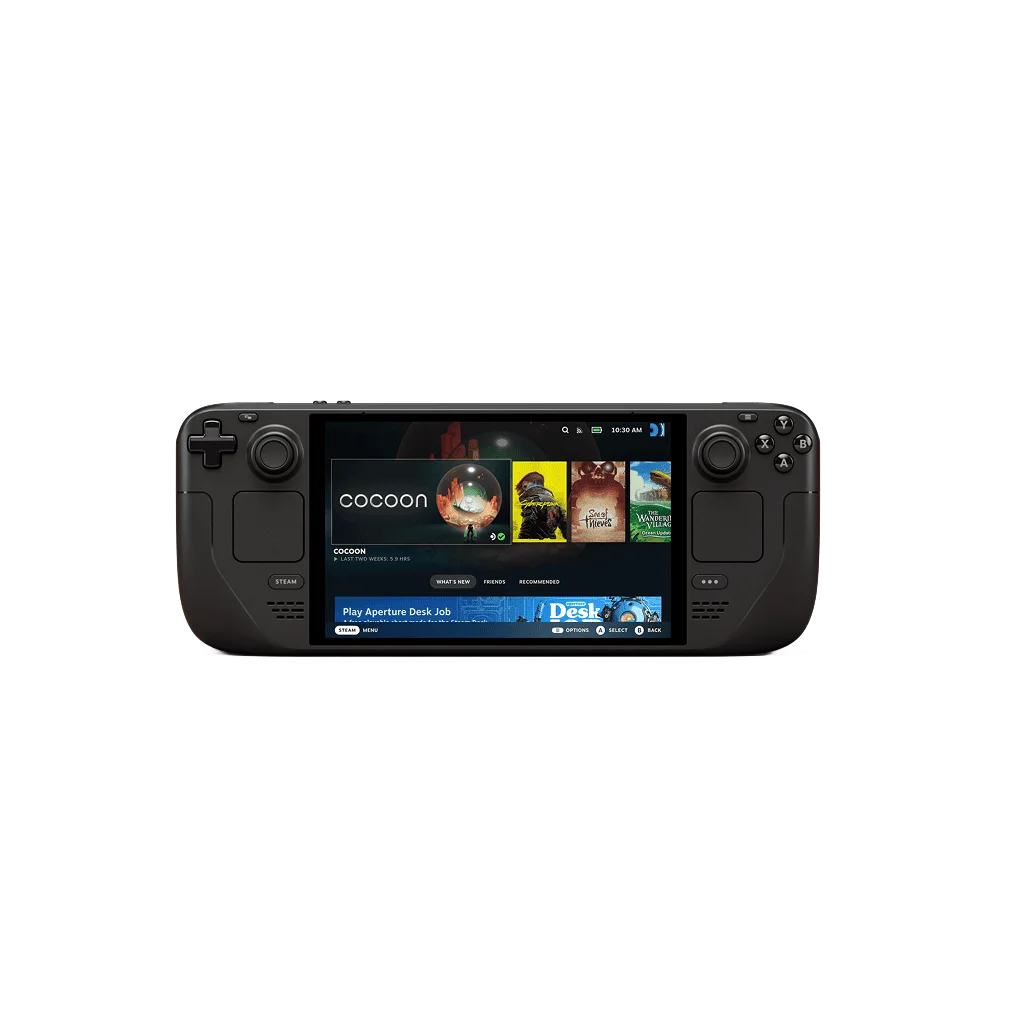
External benchmark · GamersNexus — Steve Burke and Patrick Lathan
Average FPS
23.9
Resolution
1280 × 720
Power profile / limit
Stock (battery; source lists 4–15W APU range)
See the test notes for reported graphics settings.
Test date not reported · Added to Atlas Sep 13, 2026
Settings, measurements & evidence ↓
1% low (source metric)
7.8 FPS
0.1% low (source metric)
5.9 FPS
Battery life
Not reported
Capture tool
Not reported
Capture duration
Not reported
Runs
Not reported
Test route: Crowded city street workload
Historical GamersNexus Steam Deck OLED test batch. The video was originally published February 23, 2024 and the written review followed April 4, 2024; the exact hardware test date was not published. Tested on the Steam Deck OLED 1TB on battery in a crowded city street at 1280 × 720 using DirectX 11, the Low preset and FSR 2.2 Balanced. All framerate caps were disabled and tearing was allowed. The matching chart reports 23.9 FPS average, 7.8 FPS 1% low and 5.9 FPS 0.1% low. The Steam Deck used its stock power management; the source lists a 4–15W APU range but does not report a fixed per-test wattage. Exact per-option settings, VRAM allocation, SteamOS build, capture tool, capture duration and run count remain unavailable. This is an older, separate test batch and not a September 2026 retest.
Source checked Sep 13, 2026. Checking a source is not a new performance test.
External benchmark · GamersNexus — Steve Burke and Patrick Lathan
Average FPS
44.6
Resolution
1280 × 720
Power profile / limit
Stock (battery; source lists 4–15W APU range)
See the test notes for reported graphics settings.
Test date not reported · Added to Atlas Sep 13, 2026
Settings, measurements & evidence ↓
1% low (source metric)
37.4 FPS
0.1% low (source metric)
34.7 FPS
Battery life
Not reported
Capture tool
Not reported
Capture duration
Not reported
Runs
Not reported
Test route: Dogtown benchmark workload
Historical GamersNexus Steam Deck OLED test batch. The video was originally published February 23, 2024 and the written review followed April 4, 2024; the exact hardware test date was not published. Cyberpunk 2077 v2.02 was tested on the Steam Deck OLED 1TB on battery in Dogtown at 1280 × 720, Low preset and FSR 2.1 Quality. All framerate caps were disabled and tearing was allowed. The matching chart reports 44.6 FPS average, 37.4 FPS 1% low and 34.7 FPS 0.1% low. The Steam Deck used its stock power management; the source lists a 4–15W APU range but does not report a fixed per-test wattage. Graphics API, exact per-option settings, VRAM allocation, SteamOS build, capture tool, capture duration and run count remain unavailable. This is an older, separate test batch and not a September 2026 retest.
External benchmark · GamersNexus — Steve Burke and Patrick Lathan
Average FPS
45.8
Resolution
1280 × 720
Power profile / limit
Stock (battery; source lists 4–15W APU range)
See the test notes for reported graphics settings.
Test date not reported · Added to Atlas Sep 13, 2026
Settings, measurements & evidence ↓
1% low (source metric)
37.4 FPS
0.1% low (source metric)
34 FPS
Battery life
Not reported
Capture tool
Not reported
Capture duration
Not reported
Runs
Not reported
Historical GamersNexus Steam Deck OLED test batch. The video was originally published February 23, 2024 and the written review followed April 4, 2024; the exact hardware test date was not published. Tested on the Steam Deck OLED 1TB on battery at 1280 × 720 using the Low preset with FSR Quality. All framerate caps were disabled and tearing was allowed. The matching chart reports 45.8 FPS average, 37.4 FPS 1% low and 34.0 FPS 0.1% low; the article also provides a frametime chart for this workload. The Steam Deck used its stock power management; the source lists a 4–15W APU range but does not report a fixed per-test wattage. Graphics API, exact FSR version, per-option settings, VRAM allocation, SteamOS build, capture tool, capture duration and run count remain unavailable. This is an older, separate test batch and not a September 2026 retest.
External benchmark · GamersNexus — Steve Burke and Patrick Lathan
Average FPS
53
Resolution
1280 × 720
Power profile / limit
Stock (battery; source lists 4–15W APU range)
See the test notes for reported graphics settings.
Test date not reported · Added to Atlas Sep 13, 2026
Settings, measurements & evidence ↓
1% low (source metric)
36.9 FPS
0.1% low (source metric)
33.1 FPS
Battery life
Not reported
Capture tool
Not reported
Capture duration
Not reported
Runs
Not reported
Historical GamersNexus Steam Deck OLED test batch. The video was originally published February 23, 2024 and the written review followed April 4, 2024; the exact hardware test date was not published. Tested on the Steam Deck OLED 1TB on battery at 1280 × 720 using Vulkan and the upper-end Favor Performance preset, with no upscaling. All framerate caps were disabled and tearing was allowed. The matching chart reports 53.0 FPS average, 36.9 FPS 1% low and 33.1 FPS 0.1% low. The Steam Deck used its stock power management; the source lists a 4–15W APU range but does not report a fixed per-test wattage. Exact per-option settings, VRAM allocation, SteamOS build, capture tool, capture duration and run count remain unavailable. This is an older, separate test batch and not a September 2026 retest.
Notebookcheck Highest profile, 1920 × 1080, 4x MSAA + FXAA, 16x anisotropic filtering. Standard gaming benchmark on an EXTERNAL MONITOR, not the Deck's 1280 × 800 internal display. Exact unit: Valve Steam Deck 1 TB OLED, Steam Deck OLED APU / Radeon 8CU, 16 GB RAM, SteamOS. The review's testing conditions specify a maximum 15W APU budget (15W sustained / short burst); this is a power limit, not measured total system draw.
Test date not reported · Added to Atlas Sep 12, 2026
See the test notes for reported graphics settings.
Test date not reported · Added to Atlas Sep 9, 2026
Settings, measurements & evidence ↓
1% low (source metric)
32.1 FPS
0.1% low (source metric)
28.6 FPS
Battery life
Not reported
Capture tool
Not reported
Capture duration
Not reported
Runs
Not reported
Historical benchmark originally published as video on 2024-04-14 and adapted to the linked article on 2024-05-02. Settings: DirectX 12, Low preset, async compute enabled, FSR 2 Quality; framerate caps and variable refresh disabled, tearing allowed. Battery power was used unless the profile explicitly says wall power; stock manufacturer profiles were retained. Values are read from the matching GamersNexus chart: measured average FPS, 1% low and 0.1% low. Exact test date, capture tool and duration, run count, game build, driver, OS and VRAM allocation are not documented; unavailable fields remain blank. Source checking on 2026-09-09 is not a new hardware test.
Source checked Sep 13, 2026. Checking a source is not a new performance test.
Test route: Publisher standard GTA V benchmark; external display
SETTINGS: Notebookcheck Highest profile, 1920 × 1080, 4x MSAA + FXAA, 16x anisotropic filtering. Standard gaming benchmark on an EXTERNAL MONITOR, not the Deck's 1280 × 800 internal display. Exact unit: Valve Steam Deck 1 TB OLED, Steam Deck OLED APU / Radeon 8CU, 16 GB RAM, SteamOS. The review's testing conditions specify a maximum 15W APU budget (15W sustained / short burst); this is a power limit, not measured total system draw. Historical result: Marc Herter's English review was published February 15, 2024. The GTA V comparison chart and results table report 19.5 FPS for this exact OLED unit; both the chart heading and result were visually checked. This is the original 2015 PC release, now catalogued as GTA V Legacy, not GTA V Enhanced. The documented rendering path uses MSAA/FXAA, not a DLSS/FSR or frame-generation mode; external scaling/modifications are not documented. The result is the publisher's benchmark FPS result, not an instantaneous OSD reading or an FPS cap. It is not a current playability or GTA Online compatibility claim. The reviewer could not install FPS logging tools including MangoHud, so no capture tool or lows are inferred. Exact test date, game build, driver/SteamOS build, power connection, duration, run count, VRAM allocation and the complete individual menu settings are unavailable. Lows and battery life remain blank. Imported/source-checked September 12, 2026; no new hardware testing was performed by HandheldAtlas. Research note: this source explicitly says manual Witcher 3 and Ratchet & Clank benchmarks were not possible; do not import performance values for those games from its power/noise tables.
Source checked Sep 12, 2026. Checking a source is not a new performance test.